Table of Contents
Newifi D2
This is for Stand-alone Ado Newifi Hotspot. If you're looking for newifi VLAN setup go to Newifi VLAN Config.
Installation
Materials Needed:
- Newifi D2
- A fast read/write and high quality USB flash drive.
Files to Download:
- Download Ado Newifi firmware
- Download Newifi USB Extroot
Flash Adonewifi firmware to Newifi D2 using Breed web.
Flash USB extroot to your Flash drive using Etcher
Follow this youtube tutorial by Izod Duke:
Credits to Izod Duke
Important: After successfully booting the AdoPiSoft Newifi Firmware, go to System→Device page and click Check Updates and install latest version.
Payment Portal
For payment portal, you can use any of the following:
SSH Credentials
IMPORTANT: This is for troubleshooting purpose only. Always disable SSH in System->Services->SSH Service for normal operation.
username: root
password: asdf@1234567890
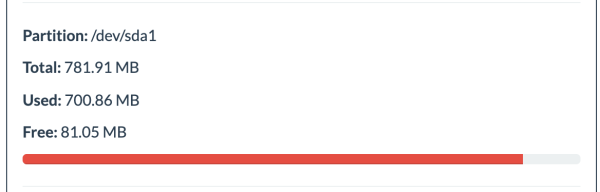
USB Storage almost full or size not fully utilized?
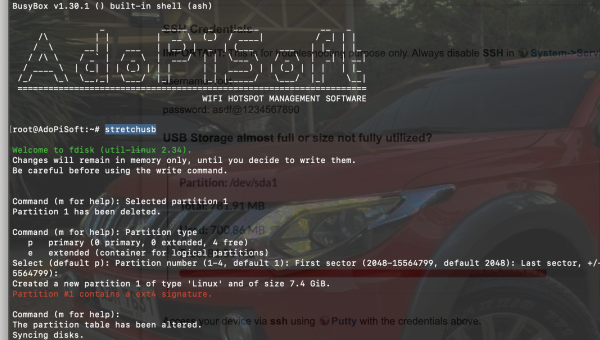
Access your device via ssh using Putty with the credentials above.
Then run this command:
stretchusb